

Request WBA access
To request access, contact support with your use case and the websites you want to access. We review requests and enable the feature selectively; being on an eligible plan doesn’t automatically turn it on. With KERNEL’s WBA token, you can sign requests using one of our bot identities instead of registering your own identity. KERNEL is listed in Vercel’s public directory and Cloudflare’s bots and agents directory. See Bots and agents for our identities and their public key directories.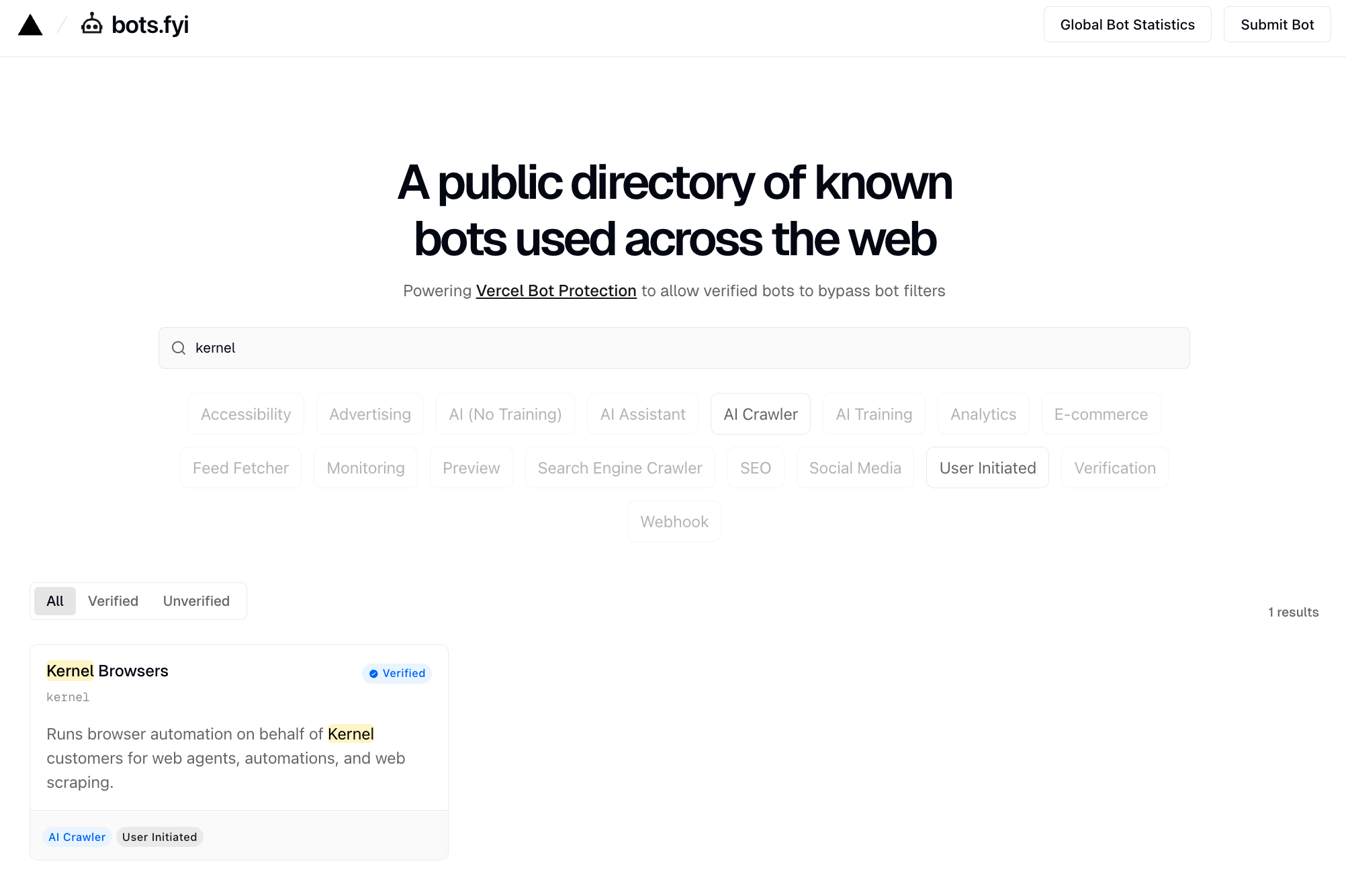
Why use WBA?
WBA gives participating sites a verifiable identity they can use when deciding whether to allow your agent. For workflows interrupted by bot checks, this can mean fewer challenges, fewer retries, and less time spent handling blocked requests on sites that accept the identity. WBA complements stealth mode and proxies. Those features address browser and network signals; WBA adds cryptographic identity that a site can verify.WBA verifies the signing identity. Each website still decides whether to allow its requests. WBA doesn’t guarantee access to every site or replace user login, permissions, or site rate limits.
How it works
WBA uses HTTP message signatures to identify the signer of a request. The extension in the examples below adds cryptographic signature headers to outgoing HTTP requests:Signature: The RFC 9421 signature of the requestSignature-Input: Metadata about how the signature was createdSignature-Agent: URL that points to your key directory
Quick start with test key
To try WBA signature verification, build an extension with the test key and visit the test verification site.This example uses a public test key. It doesn’t enable KERNEL’s WBA token or establish a production identity. To use our identity, request access.
1. Build the extension
Use the Kernel CLI to build the Web Bot Auth extension:The build command requires Node.js and npm to be installed on your system.
2. Create a browser with the extension
3. Verify it’s working
Navigate to the test site to verify your signatures are being accepted: This site validates requests signed with the RFC9421 test key and shows whether the signature was verified successfully.Using your own keys
If you want to sign production requests with your own identity, use your own signing keys and publish a public key directory. This is an alternative to requesting KERNEL’s WBA token.1. Generate an Ed25519 key pair
Create a JWK file with your Ed25519 private key. The key must include both the public (x) and private (d) components:
my-key.jwk
See web-bot-auth documentation for tools to generate Ed25519 key pairs.